

Product updates and guides
Feature overviews, getting-started tutorials and operating tips from 188.now, to help teams run Telegram accounts more steadily and with less effort.
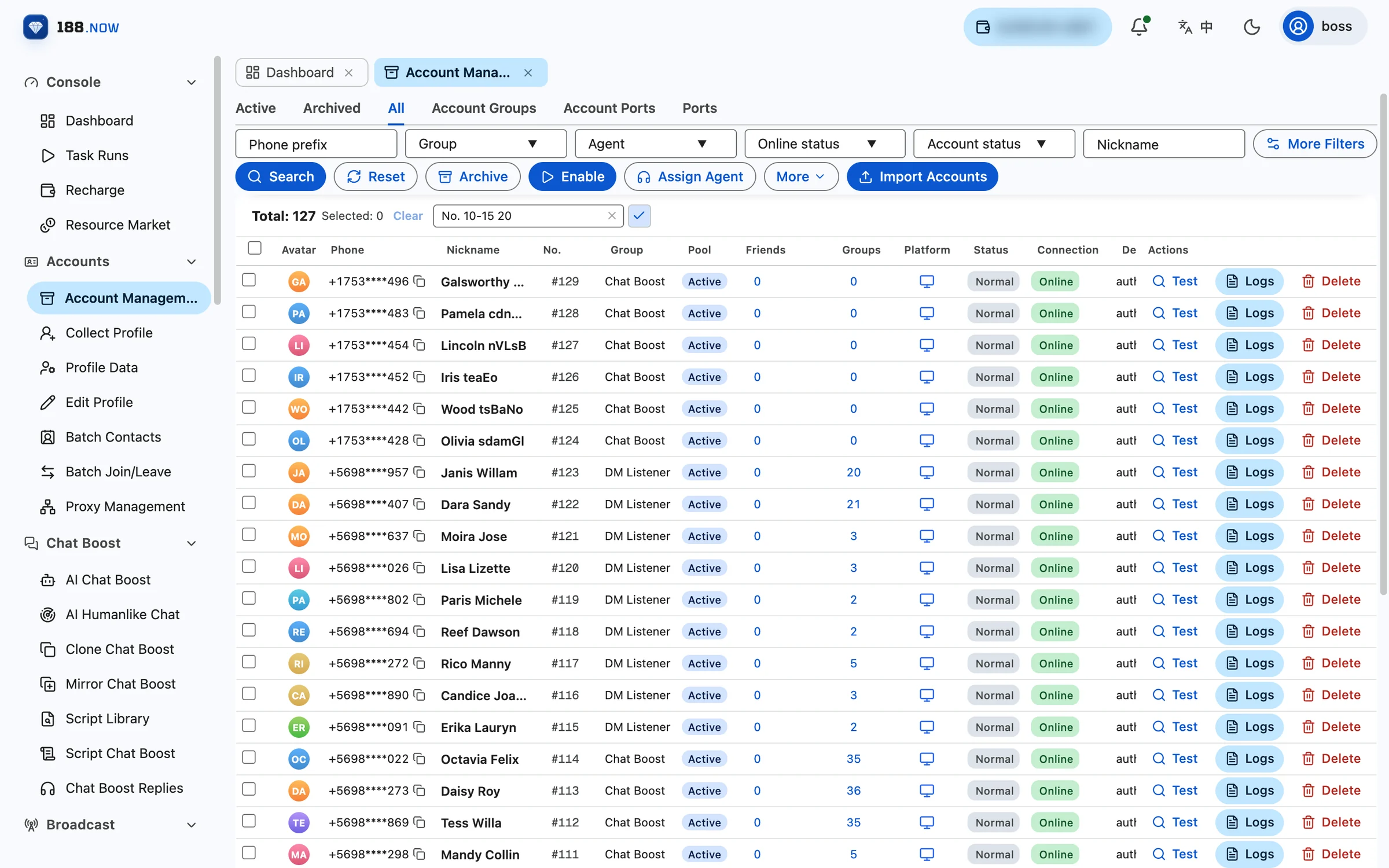
What is Telegram cloud control? How 188.now works
No racks of phones, no desktop clients — manage accounts and tasks in bulk from your browser. This article explains how cloud control differs from traditional phone farms and what 188.now is made of.
Read more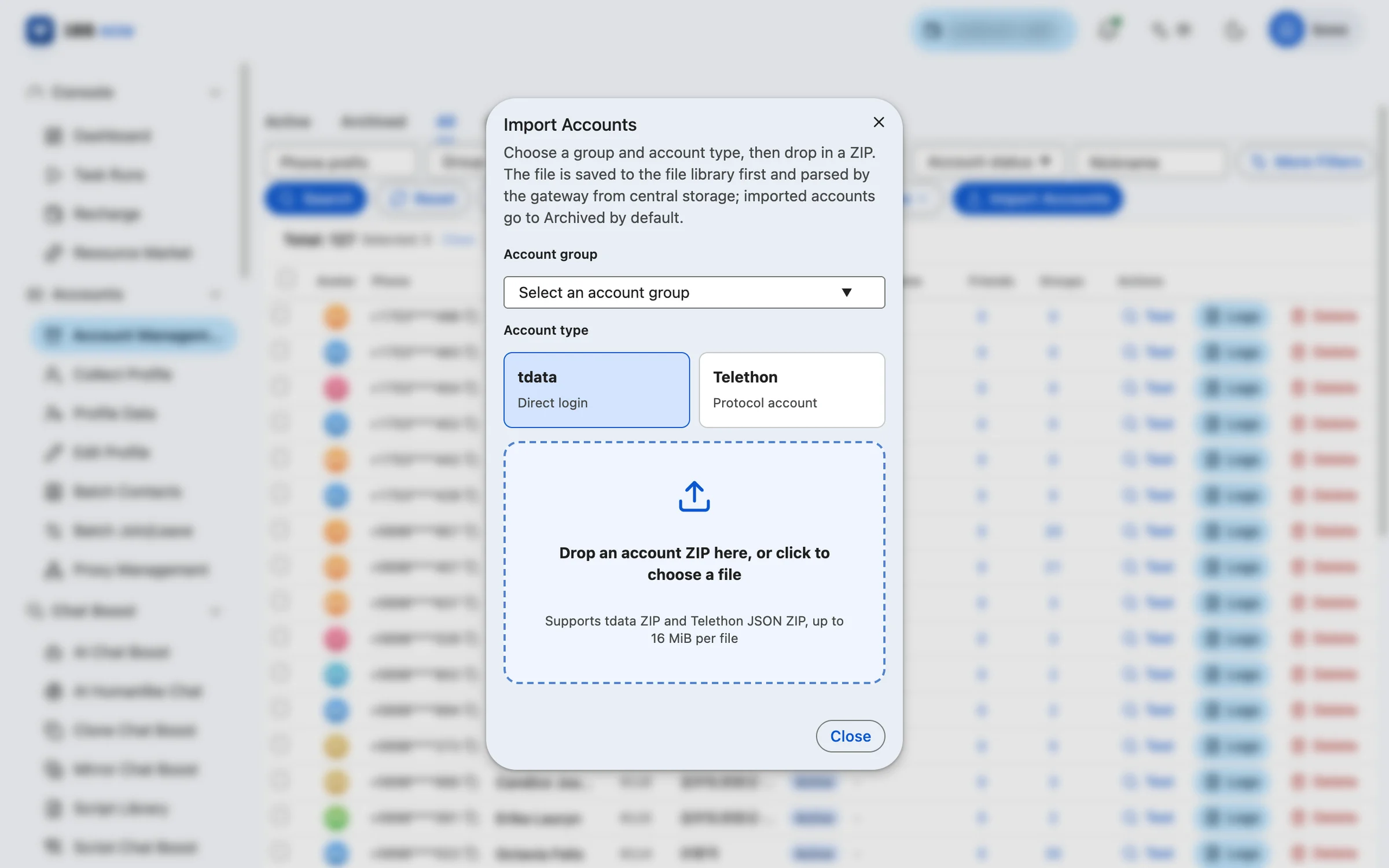
Ports, accounts and proxies: three basics of cloud control billing and operation
How do ports relate to accounts? How do you rotate when you have more accounts than ports? Why does every account need a proxy? Get these three concepts straight before you start.
Read more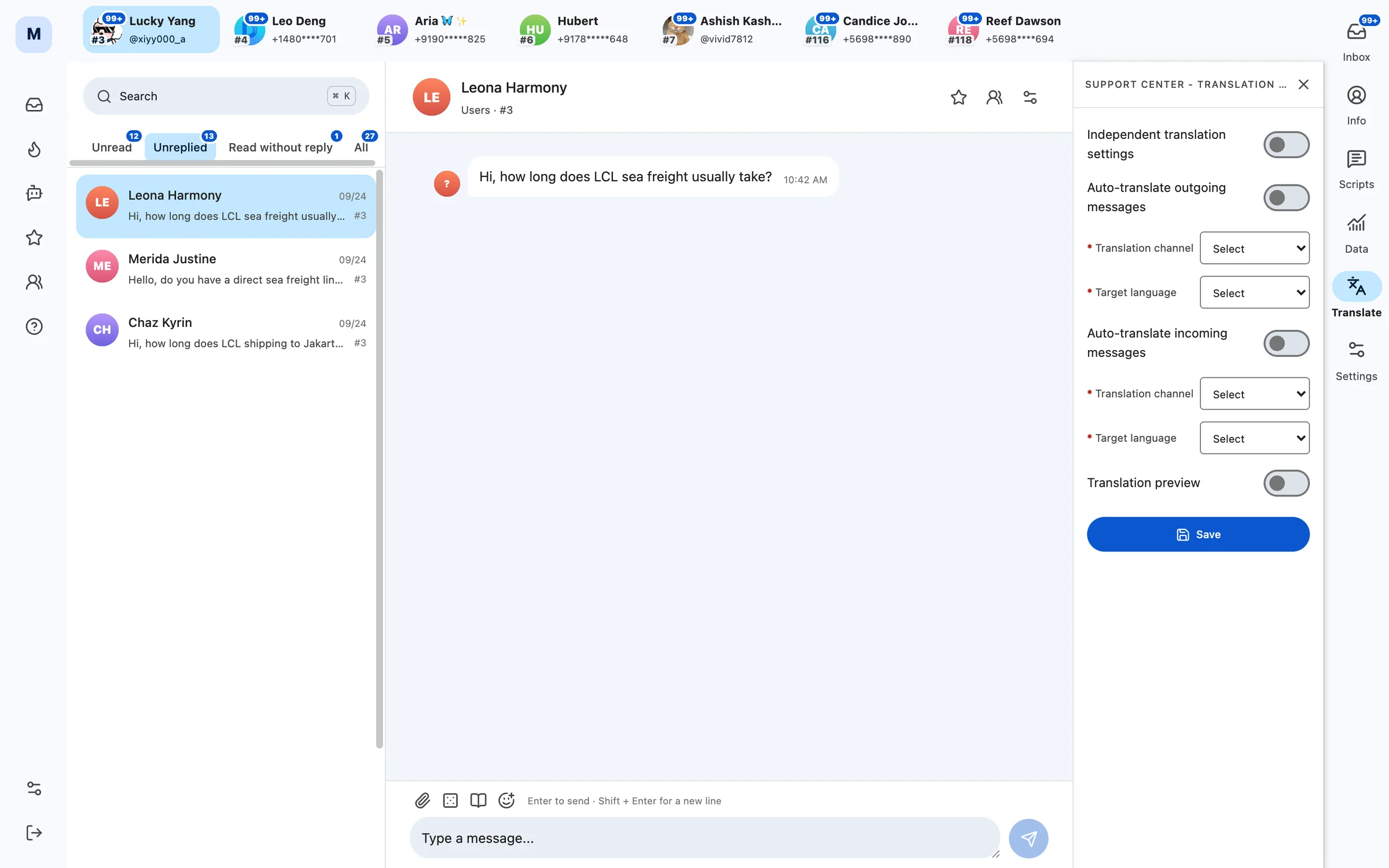
One agent, many Telegram accounts: using the Support Center
The Support Center gathers conversations from several work accounts into one inbox, sorts them into Unread, Unreplied and Read-no-reply queues, and adds saved replies and two-way auto-translation.
Read more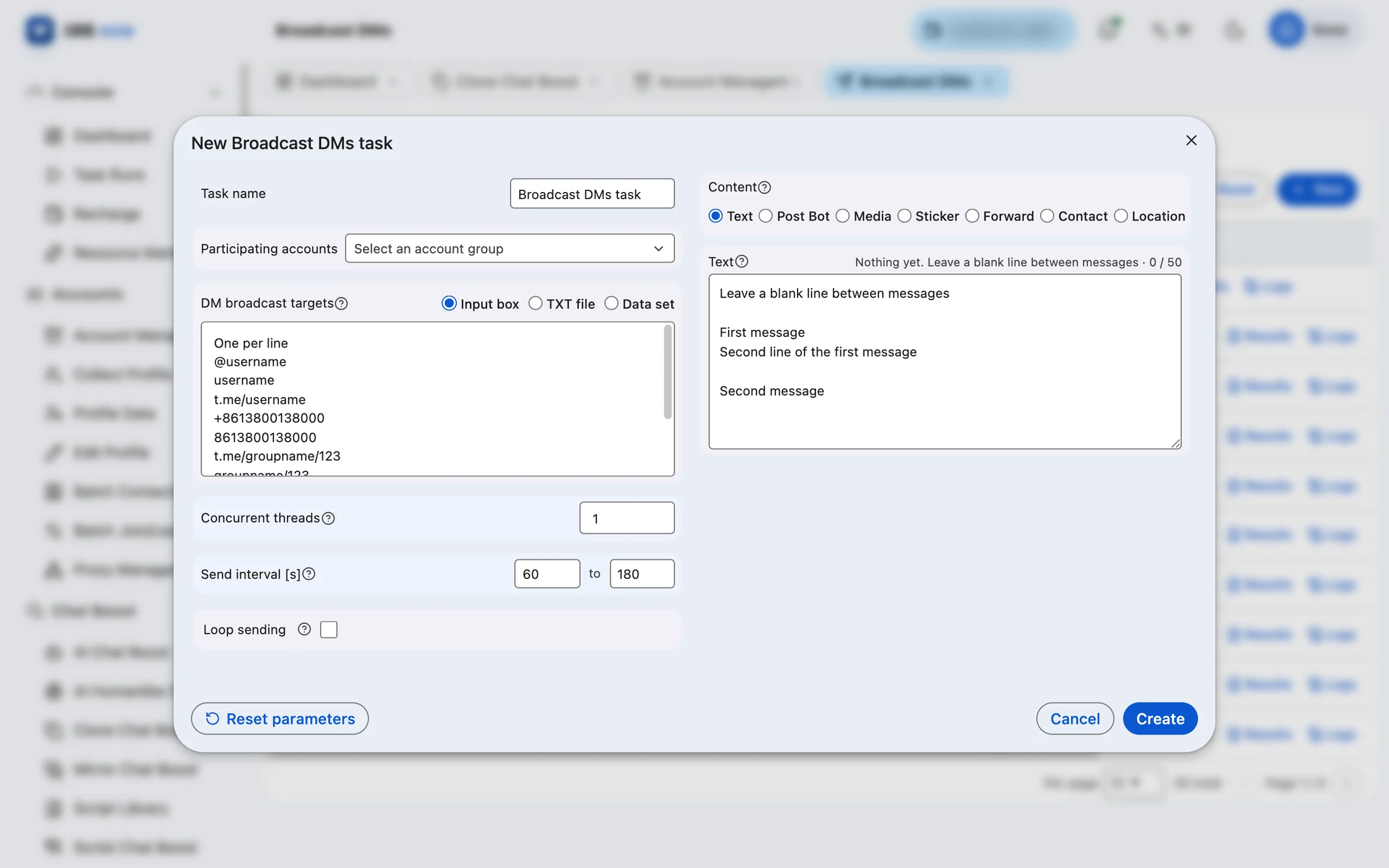
Setting up a Broadcast DMs task: targets, content and sending pace
From choosing account groups to setting send intervals, this guide explains what each option does when you create a Broadcast DMs task, and where to find the results once it is running.
Read more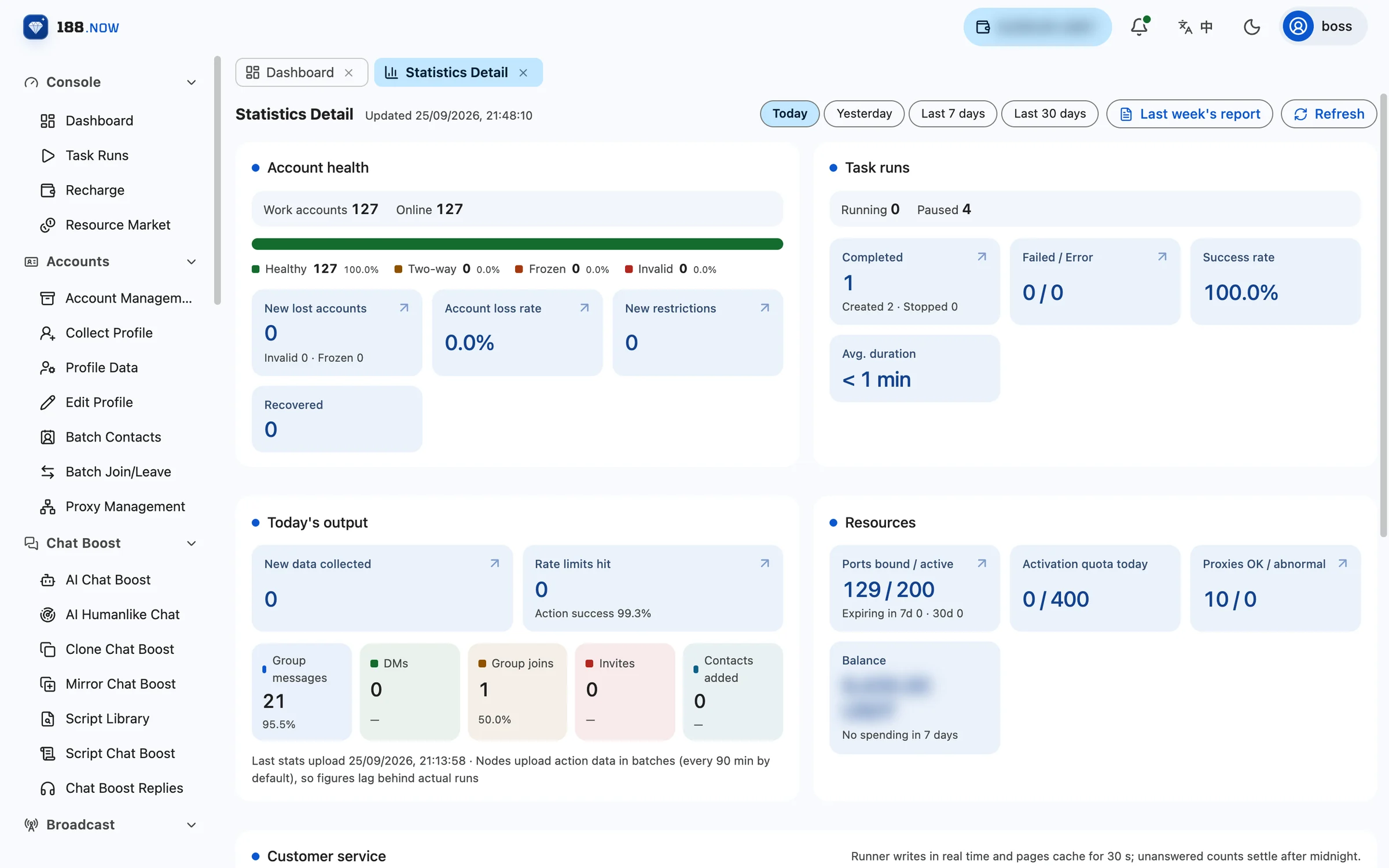
Statistics Detail: account health, task runs and resource usage on one page
Statistics Detail brings account status, task results, daily output, resources and customer service together on one page. Switch between today, yesterday, the last 7 days and the last 30 days, or open last week’s report directly.
Read moreInvites, joins and new groups: an overview of community growth tasks
Batch Invite, Invite from Monitored Messages, Invite Newcomers, Invite Contacts, batch join / leave and Create Groups — what each one is for, all in one place.
Read more