

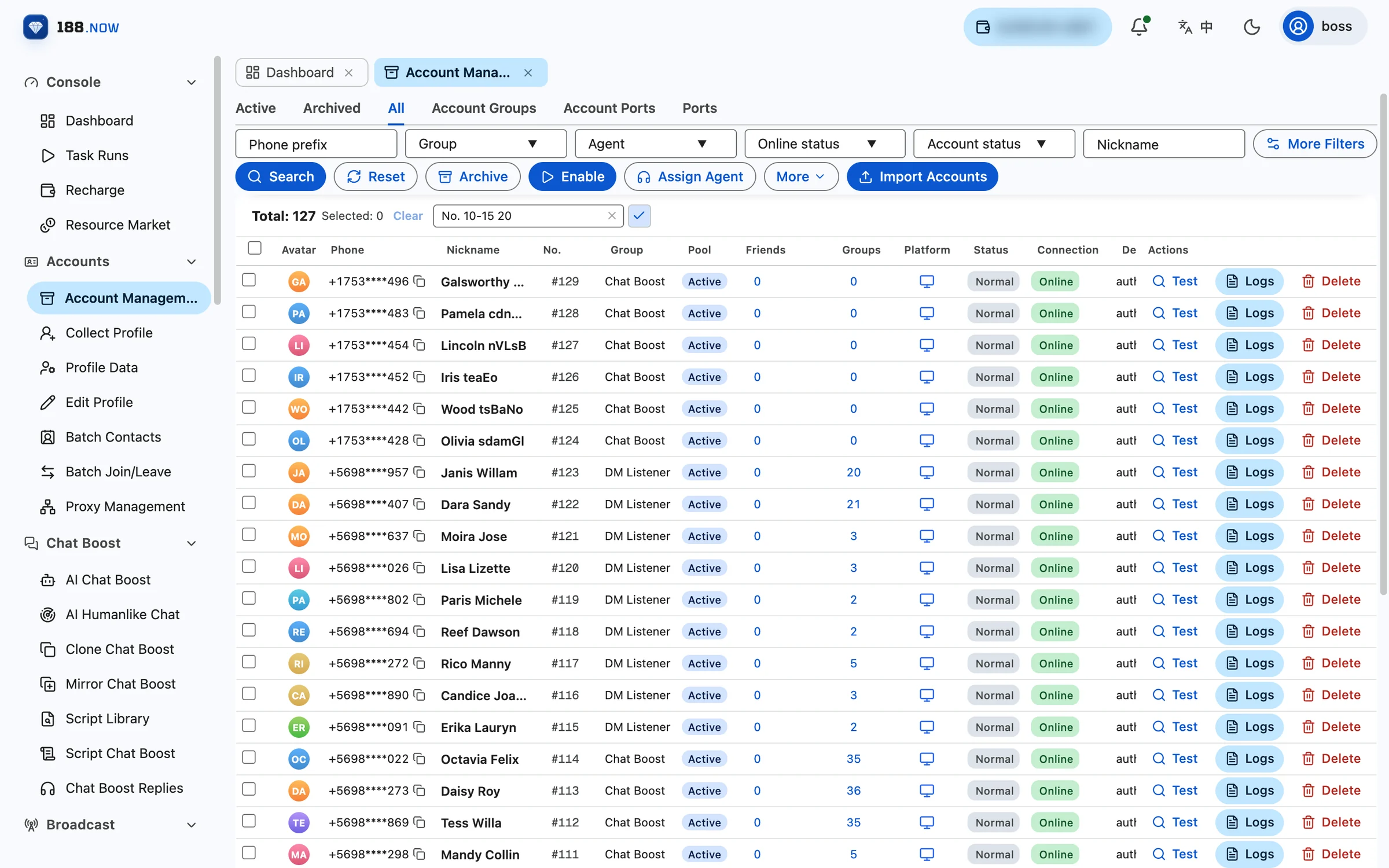
Teams running Telegram at scale all hit the same questions sooner or later: where do the devices go, how do you isolate their networks, who is using which account, and how far along is each task? A cloud control system exists to answer exactly these.
From phone farms to cloud control
The traditional approach is one phone per account: every account gets a real handset and a SIM, and dozens or hundreds of phones are wired to a computer and operated together. Buying, housing and maintaining those devices all cost money, and the bigger the setup, the harder it is to manage.
Cloud control moves each account’s runtime into the cloud. Accounts sign in and work inside their own isolated cloud environments, and operators only need a computer with internet access — open the console in a browser and manage hundreds or thousands of accounts in bulk.
What 188.now is made of
- Workspace: accounts, ports, proxies, tasks, statistics, organization and billing all live here, grouped by business area in the left menu.
- Task system: 30+ task types covering broadcasts, member invites, group chat engagement, channel operations, data collection and listeners. Once created, tasks run on cloud nodes, and progress, results and logs are visible on the page at any time.
- Support Center: one agent handles conversations for several work accounts at once, with saved replies and two-way auto-translation.
- Dashboards: Statistics Detail for the overall picture, Statistics Report for in-depth analysis by topic.
Who it is for
Any team that operates many Telegram accounts at once — overseas marketing, community operations, private traffic funnels and customer support. Organization management supports multi-person collaboration, and accounts can be assigned to different agents as needed.
How to get started
- Sign up and log in to the workspace.
- Top up with USDT (TRON network) under Recharge; it is credited automatically once confirmed on-chain.
- Buy ports: Telegram is 1 USDT per port per month, with a minimum of 10 ports.
- Import accounts, set up proxies and enable them — then you can start creating tasks.